
Dental X-ray film viewer or digital display: match the image workflow
A practical decision guide for purchasers who still handle physical dental film while planning digital imaging rooms.
Start with the answer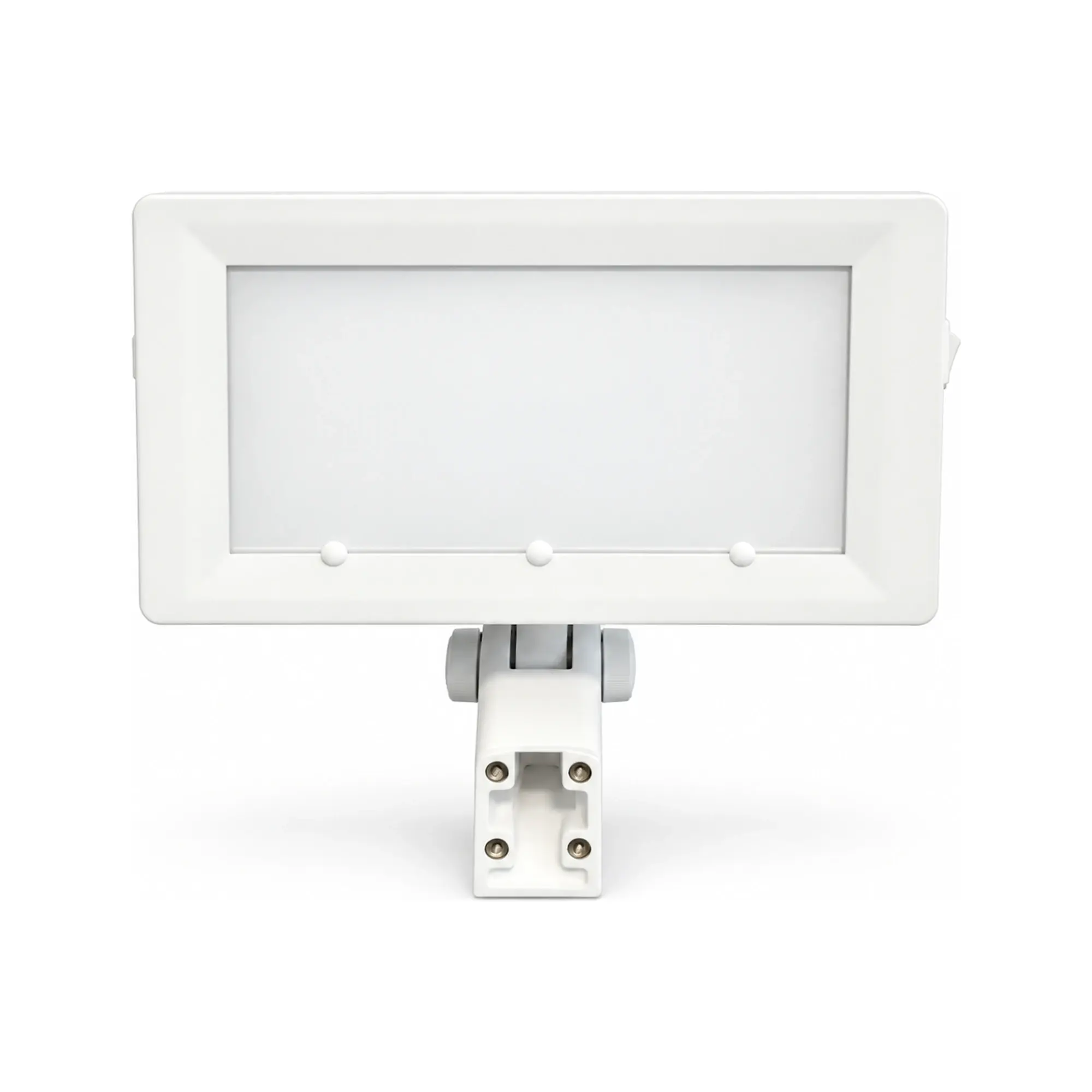
The buying decision, clearly stated.
Choose a film viewer only for a workflow that actually retains physical radiographic film and needs a maintained illuminated viewbox. Digital radiographs require an appropriate image display and software workflow; an illuminated film viewer cannot display a digital file. Confirm the clinic's media, viewing environment, mounting and record process before ordering either Colight CXV film-viewer configuration.
- Inventory actual physical film use before buying a viewbox.
- Treat a chair-mounted and desktop viewer as different installation jobs.
- The film viewer illuminates a radiograph; it does not capture, interpret or digitize an image.
Start with the image medium, not the equipment photo
The American Dental Association's radiography overview discusses digital receptors and conventional film as distinct ways to capture images. A traditional viewbox is used for processed physical film; a digital image is reviewed on a suitable display as part of an imaging system. The two devices cannot be substituted merely because both make an image visible. Ask the practice what image medium it currently receives, archives and needs to review at the chair.
Colight's catalogue includes chair-mounted and desktop X-ray film viewers. Their presence in a dental equipment catalogue does not mean the company sells a radiographic exposure unit, sensor or diagnostic monitor. Do not describe these viewers as tools that reduce radiation dose, enhance diagnostic accuracy or convert film to digital. Those would be separate, unsupported claims.
Evidence context: American Dental Association
Specify the viewing conditions
ADA educational guidance says that film or digital radiographs should be viewed under suitable conditions, generally with reduced ambient lighting, using a well-maintained viewbox or a calibrated monitor as appropriate. It is guidance on viewing practice, not an endorsement of a particular Colight device. For film, note the film size, masking need, viewbox surface condition and where the clinician will stand. For digital images, involve the practice's imaging and IT teams in display selection and calibration.
Do not use a decorative product image to judge uniformity, brightness, color or diagnostic suitability. Request the current model-specific technical details and instructions when these characteristics matter. Agree who is responsible for maintaining the viewing surface and checking that glare or room lighting does not defeat the chosen setup.
Evidence context: American Dental Association
Separate chair-side and desktop installation
A chair-mounted viewer can place a physical film near the treatment position, but the ordered mount must fit the intended chair assembly and not conflict with lamp arms or instrument movements. A desktop unit needs stable counter space, power access and a route that protects the film from damage or contamination. Photographing a generic chair does not establish compatibility with a specific platform.
In the RFQ, identify the viewer model, physical dimensions, electrical supply, mounting arrangement, cable route and any cleaning instructions. Ask the supplier to confirm what comes in the box. A chair-mounted viewer head quoted without its mounting parts can leave the installation incomplete; a desktop item quoted for a crowded operatory may be technically correct yet operationally inconvenient.
Plan a mixed or changing image workflow honestly
Some sites retain film archives while producing new images digitally. A film viewer can still serve the legacy material, while current digital images are reviewed through the digital system. Record which cases still require a lightbox, how often it is used and whether clinicians can access older images in their original form. Do not forecast the end date of film use from general market news; obtain the site's own process data.
For a distributor, separate the sale of a film viewer from advice about radiation exposure, interpretation or image management. Those involve clinical policy and regulated imaging equipment. When a practice plans a transition, ask whether it needs a modest viewer for an archive period, a permanent chair-side station or no new film hardware. Make that decision from the documented workload and maintenance owner.
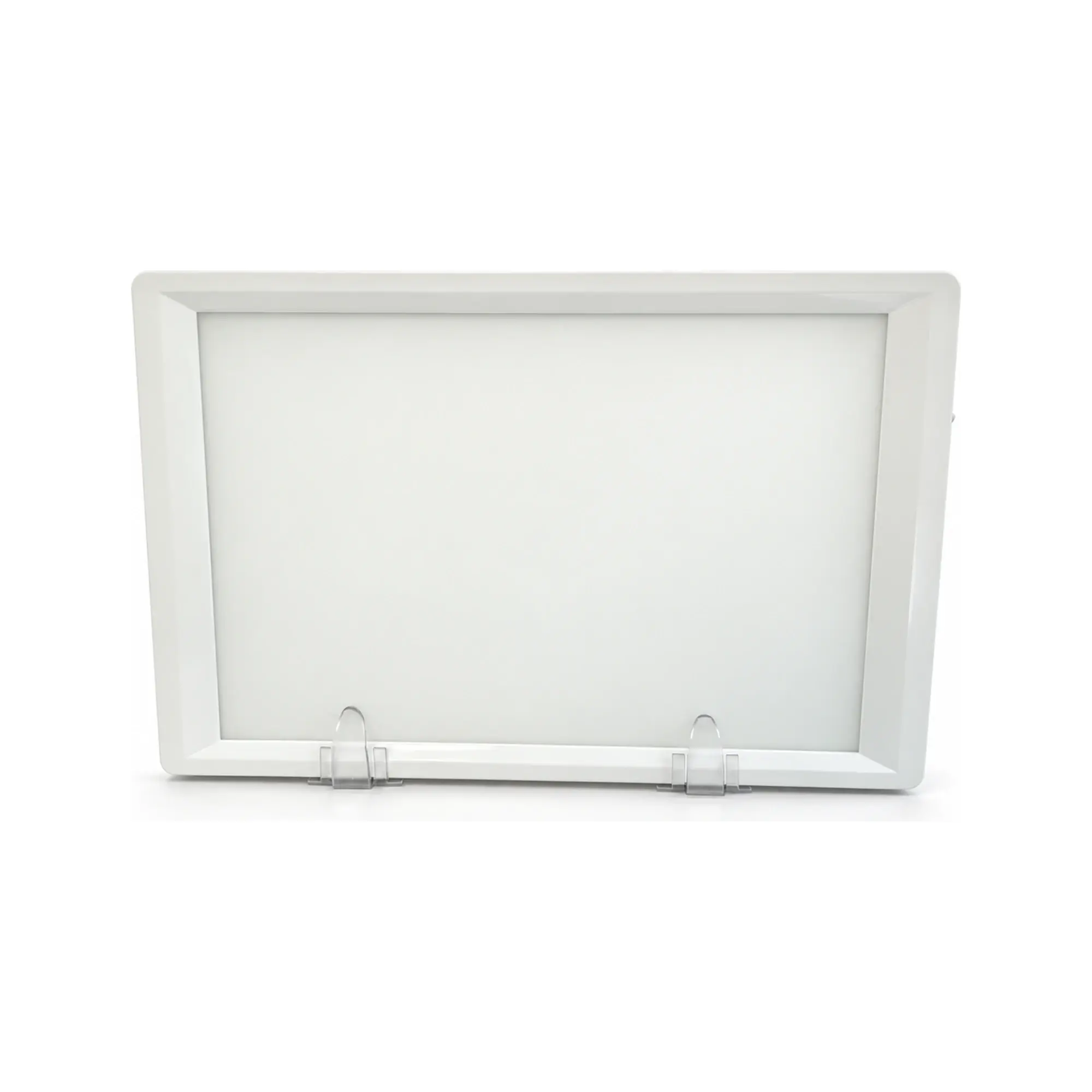
Physical film and digital image viewing
This is a workflow comparison, not a claim that one Colight product performs both jobs.
Illuminated film viewer
- Useful for
- Makes processed physical radiographic film visible at a designated location.
- Check carefully
- Cannot open digital files or substitute for a diagnostic display.
- Decision context
- Practices that still review physical film or archive film images.
Digital image display
- Useful for
- Displays digital radiographs within the practice's imaging system.
- Check carefully
- Requires suitable display, software, calibration and IT support.
- Decision context
- Practices using digital sensors and electronic image records.
Put the evidence beside the decision.
| Question | Film viewer record | Digital system record |
|---|---|---|
| Image medium | Physical processed film sizes | Digital format and software |
| Viewing position | Chair mount or desktop counter | Monitor location and workstation |
| Environment | Glare and viewbox surface | Display calibration and ambient light |
| Ownership | Cleaning and lamp/viewer maintenance | IT and imaging-system support |
| Acceptance | Fit, function and film visibility | System and display validation |
A media-led procurement sequence
- 01
Count
Identify current and archived physical film use.
- 02
Map
Choose chair-side or desktop viewing positions.
- 03
Confirm
Request exact CXV model, mount, supply and instructions.
- 04
Trial
Check fit and visibility using representative non-patient sample film.
- 05
Handover
Assign maintenance and record the approved configuration.
Example: a practice converting its imaging rooms
A hypothetical three-room practice uses digital capture for new cases but retains years of physical films. One room has a regularly used chair-side film station; the other rooms access film only occasionally. Rather than buying three identical mounts, the purchaser counts actual physical film reviews, checks room positions and asks whether one desktop viewer can serve the low-use rooms without delaying care.
The result could be one chair-mounted viewer plus a shared desktop unit, or a different arrangement after staff trial. The example does not claim a cost saving, a clinical outcome or a universal migration timetable. It demonstrates why the medium and local process should control the purchase instead of a product category label.
Questions buyers ask next.
Can a Colight film viewer show digital X-rays?
No. An illuminated film viewer is for processed physical radiographic film. Digital files need a suitable monitor, software and imaging workflow.
Does a viewer expose the patient to X-rays?
No. A film viewer illuminates an existing radiograph; it is not an X-ray generator. Radiation-exposure decisions belong to the clinical imaging system and professionals.
Should a digital clinic buy a film viewer?
Only if it still needs to view physical film, for example an archive or incoming film. Document actual use before ordering.
What distinguishes the catalogue options?
The catalogue lists chair-mounted and desktop film-viewer configurations. Confirm the exact CXV model, installation, electrical details and accessories in the quotation rather than assuming one mount fits both jobs.
Follow the evidence.
Manufacturer and institutional sources inform the context. Colight specifications come from the verified site catalogue; competitor values are not presented as Colight test results. References were checked on 2026-10-31.
- ADA — best practices in dental radiography viewing
Professional guidance on viewing film with a maintained viewbox or digital images on a calibrated monitor. Historical guidance; check local current practice. Checked October 31, 2026.
- ADA — X-Rays/Radiographs
Current professional overview of digital and film dental radiography; not a device specification. Checked October 31, 2026.
Corrections or missing project evidence: contact Colight. The page supports purchasing discussions and does not provide patient-specific care, electrical installation instructions or a legal market-access decision.